Why manual takeoffs cost you money
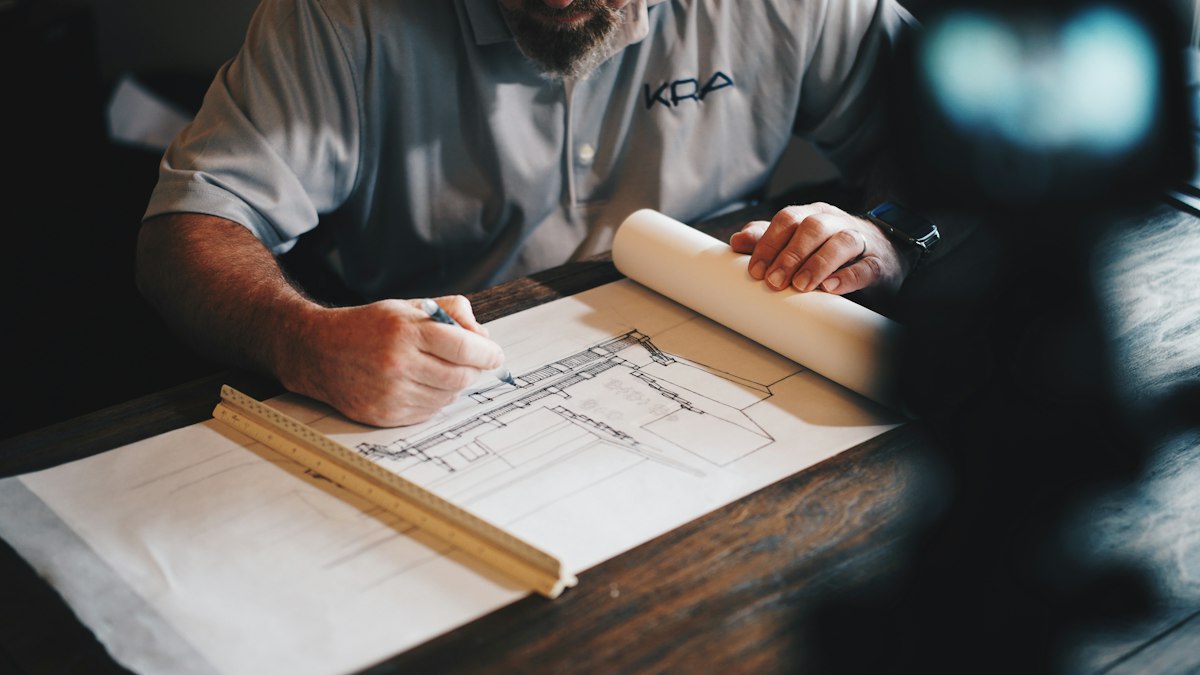
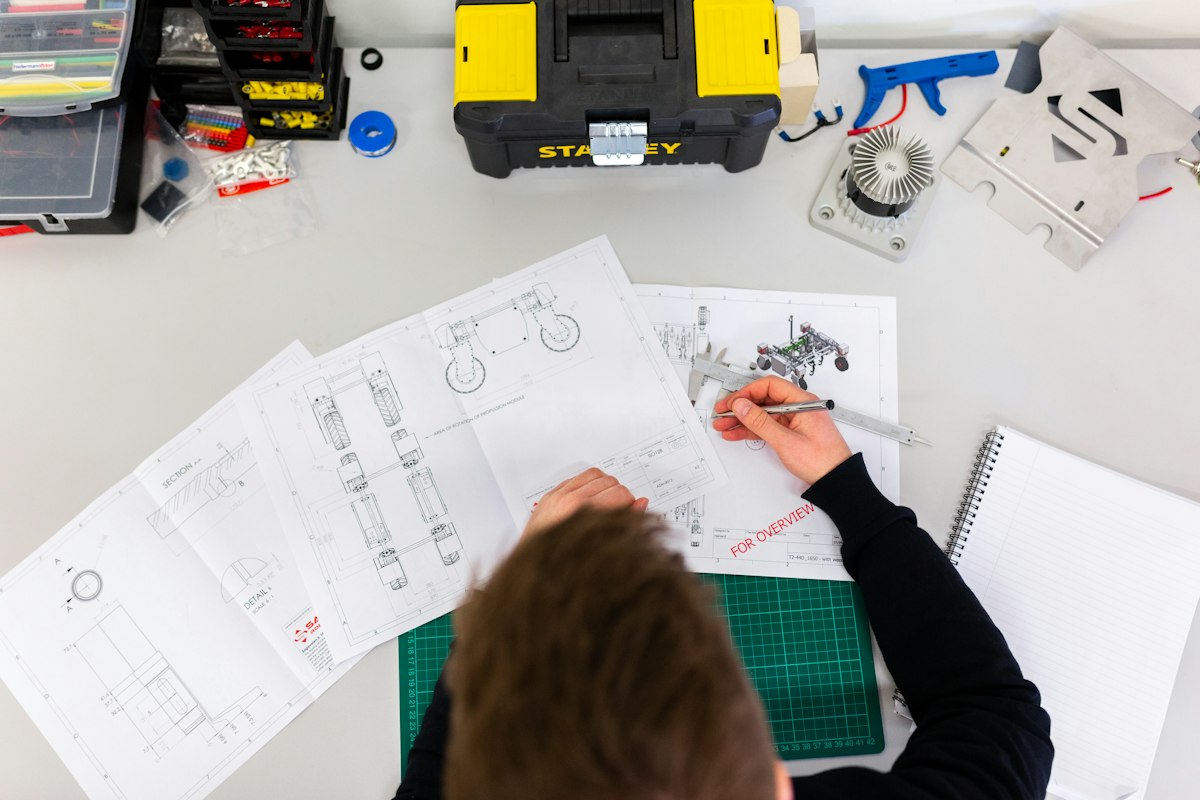
Every remodeling contractor knows the manual takeoff ritual: a tape measure, a clipboard or a spreadsheet, and an hour or two squinting at a floor plan counting square footage, linear footage, and fixtures. It works, but it is slow and it is fragile. A single transposed number or a forgotten doorway carries straight through to your estimate.
Manual takeoffs are widely documented as both error-prone and time-consuming. The problems compound: under-count and you eat the difference on materials; over-count and your bid comes in high and you lose the job. Either way the margin you worked to protect quietly disappears.
The slowness has a second cost. When a takeoff takes hours, you batch them up for evenings and weekends, which means days pass between the walkthrough and the proposal. In a competitive market, the contractor who follows up first usually wins. That is the real price of a manual workflow, and it is exactly the gap AI-assisted material takeoff automation is built to close.
What AI material takeoff actually does
An AI takeoff tool reads a plan, a scan, or a model and identifies quantities automatically: wall area for paint and drywall, floor area for tile or hardwood, counts of doors, windows, outlets, and fixtures. Instead of you measuring each item by hand, the software measures the geometry and maps it to line items.
Vendors in this space report strong numbers, generally cited as:
- Up to roughly 98 percent accuracy on quantity extraction versus manual counts - Up to roughly 90 percent reduction in the time spent producing a takeoff - Roughly 49 percent of construction tasks identified as automatable in broader industry analyses
Those figures are vendor and industry claims, not guarantees for every project, so treat them as direction rather than gospel. The point is the trend: automated extraction is now accurate and fast enough that hand-counting most quantities is hard to justify. The contractors pulling ahead are the ones letting software do the counting and spending their own time on judgment calls.
Where AI still needs a human in the loop
Accuracy claims describe quantity extraction, not your final number, and that distinction matters. AI is excellent at measuring what it can see and weak at knowing what it cannot.
It does not know that the 1950s plaster behind that wall will fight you, that the client wants the one tile with a 30 percent waste factor, or that this town requires a permit that adds two weeks. It cannot price your local labor market or your preferred suppliers unless you tell it. Quantities are objective; pricing, waste factors, access, and site conditions are judgment.
So the honest model is assist, not replace. Let the software produce the quantities in seconds, then apply your waste percentages, your crew rates, and your read of the jobsite. You move from being a human tape measure to being the estimator who reviews and prices. That is faster and more accurate than either approach alone, and it is how the accuracy numbers actually translate into a defensible bid. For the pricing side of that equation, see our guide on how to price a remodeling job.
How Alcovia generates a takeoff from a scan
Most takeoff tools start from a drawing you have to upload or draft. Alcovia starts from the room itself. You scan the space with your iPhone or iPad using built-in LiDAR scanning, which captures the geometry on-site in a couple of minutes.
From that scan, the Growth plan generates a material takeoff and an instant estimate using your own price list. Wall and floor areas, opening counts, and fixture quantities come straight off the captured model, then get priced against the rates you have set. There is no separate measuring step and no spreadsheet round-trip.
iPhone LiDAR typically measures to within about 1 to 2 percent on room-scale dimensions, which is well within the tolerance most remodeling takeoffs need. You still review and adjust for waste and conditions, but you start from real, measured quantities instead of a blank sheet. The walkthrough and the takeoff become the same step. To see how that fits the broader on-site flow, read our scan-to-estimate workflow breakdown.
AI vs manual: an honest side-by-side
Stacked against each other, the trade-offs are clear rather than absolute. Manual takeoffs need no special hardware and let an experienced estimator apply judgment at every step, but they are slow, tiring, and easy to get wrong on the tenth line item of the day.
AI-assisted takeoffs flip that. The speed and consistency are dramatic, and the accuracy claims (up to roughly 98 percent on quantities, up to roughly 90 percent time saved) hold up well for standard scopes. The weaknesses are real too: garbage in, garbage out on a bad scan or plan, and no awareness of hidden conditions.
The practical answer for most contractors is not one or the other. Use AI to do the counting and the math, and use your expertise to set assumptions and sanity-check the output. You get the speed of automation with the reliability of an experienced eye. For a fuller cost picture of adopting these tools, see the ROI of remodeling technology for contractors.
Getting started without betting the business
You do not have to overhaul your estimating process to test whether AI takeoffs work for you. Start with one real project, ideally a kitchen or bath where quantities are well defined and you already have a strong sense of the right number.
Scan the room, let the tool generate the takeoff and estimate from your price list, then compare it line by line against how you would have done it by hand. You will quickly see where the software is dead-on (areas, counts) and where you need to layer in judgment (waste, access, surprises). That comparison builds the trust you need to lean on it.
Alcovia is built for exactly this kind of low-risk trial: your first project is free, and the per-project pricing means there is no subscription to commit to before you have proof. Most contractors find the takeoff is close enough on quantities that the remaining work is pricing and review, which is where your time belongs anyway. See how it works to walk through the full process before your first scan.
Run your next takeoff from a scan, free
Scan a room, generate a material takeoff and instant estimate from your own price list, and see the accuracy for yourself. Your first project on Alcovia is free.
Start your free project