
Interactive 3D Room Model Viewer for Remodeling
From LiDAR scan to interactive model in minutes. Walk through, edit, and collaborate on designs with clients in a stunningly realistic 3D environment.
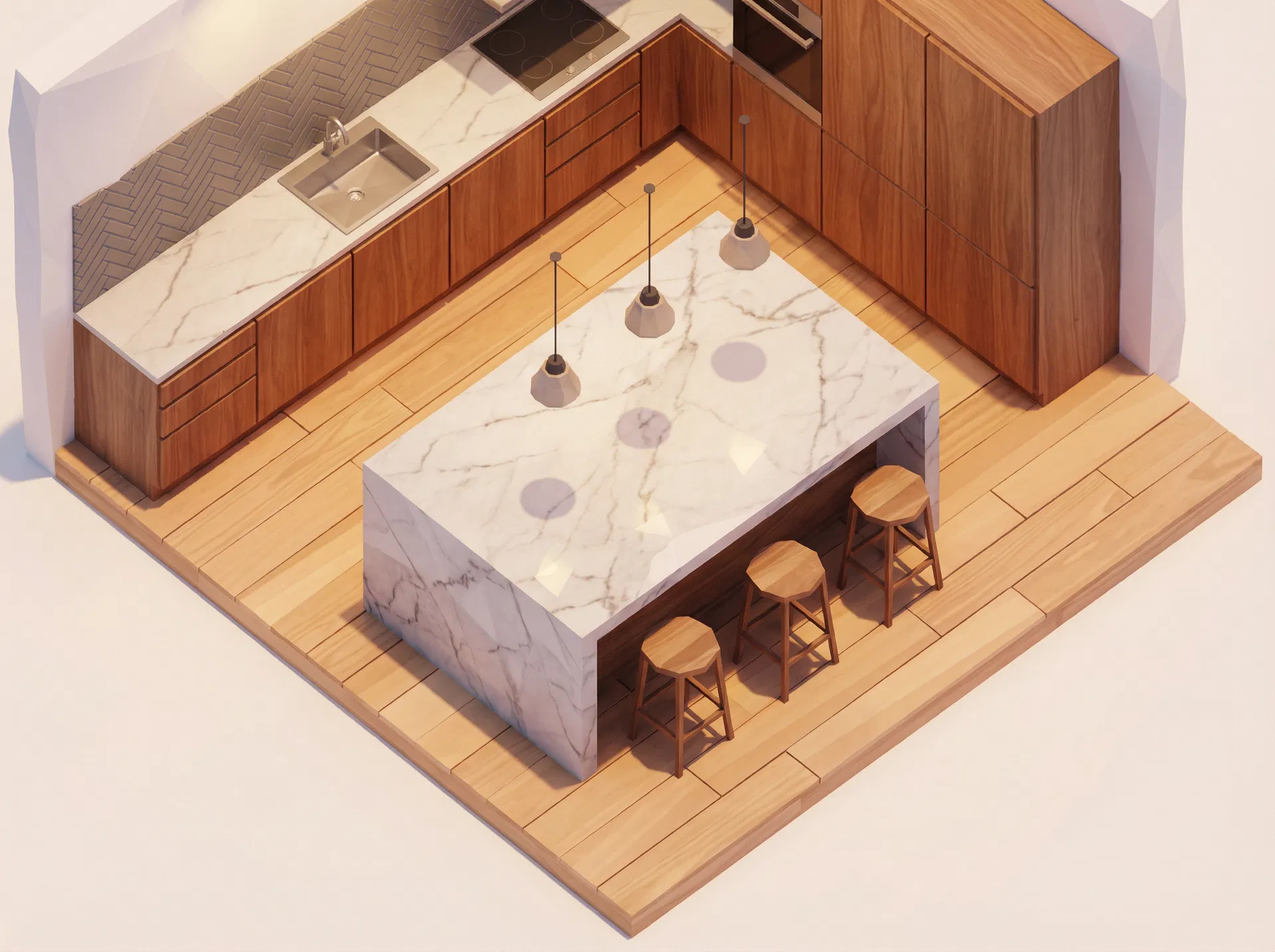
What is the Alcovia 3D Model Viewer?
The 3D Model Viewer is the core of Alcovia's visualization suite. After you scan a room using our LiDAR scanning feature, our AI processes the data to create a detailed, dimensionally-accurate 3D model. This isn't just a static image; it's a fully interactive digital twin of the project space that you can navigate on your computer or tablet.
For contractors, the viewer is a powerful communication tool. It bridges the gap between flat, 2D floor plans and the reality of a three-dimensional space. You can use it to show clients exactly how a new layout will feel, demonstrate spatial relationships between objects, and catch potential issues before construction begins. With the Growth plan, this viewer transforms into a real-time design tool, allowing you and your client to move furniture, test appliance placements, and experiment with the layout together.
A Simple Workflow from Scan to Design
1. Scan the Room
Use any LiDAR-enabled device to quickly capture the project space. The process is as simple as taking a video.
2. Generate the Model
Alcovia's AI automatically processes the scan data, generating a detailed and accurate 3D model within minutes.
3. Explore & Edit
Walk through the model, zoom, and rotate. With the Growth plan, grab objects, move appliances, and redesign the layout in real-time.
Why Contractors Love the 3D Viewer
Enhance Client Collaboration
Move beyond blueprints. Give clients a tangible feel for their new space, enabling clearer communication and faster, more confident decisions.
Improve Spatial Understanding
Visualize object placement, clearances, and sightlines in a way 2D plans can't. Identify potential layout problems early, saving time and money.
Accelerate Design Iterations
The interactive editor (Growth Plan) turns design reviews into collaborative workshops. Test ideas and finalize layouts in a single meeting.
From Every Angle
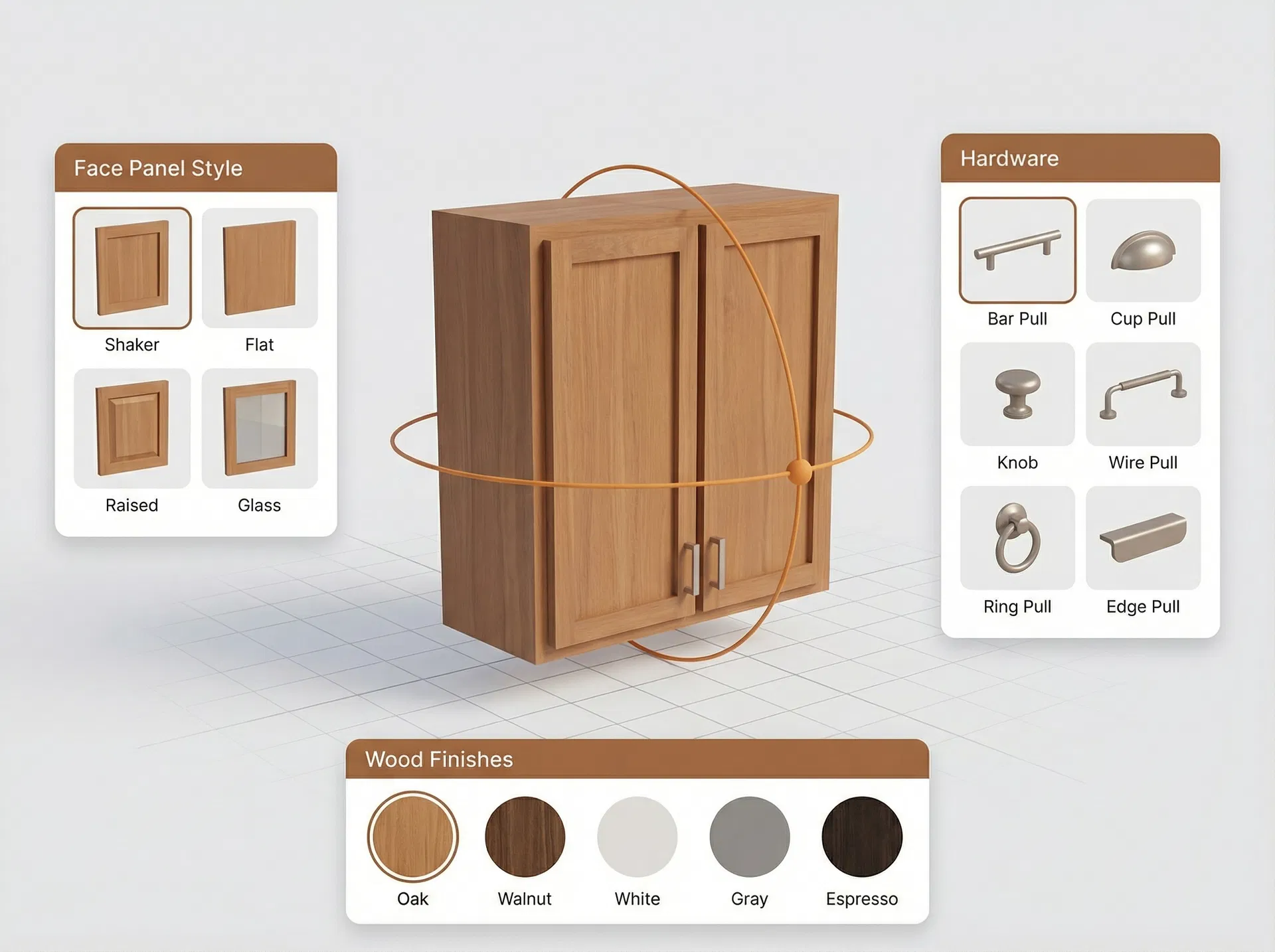
Inspect details up close, from cabinet finishes to appliance placement.
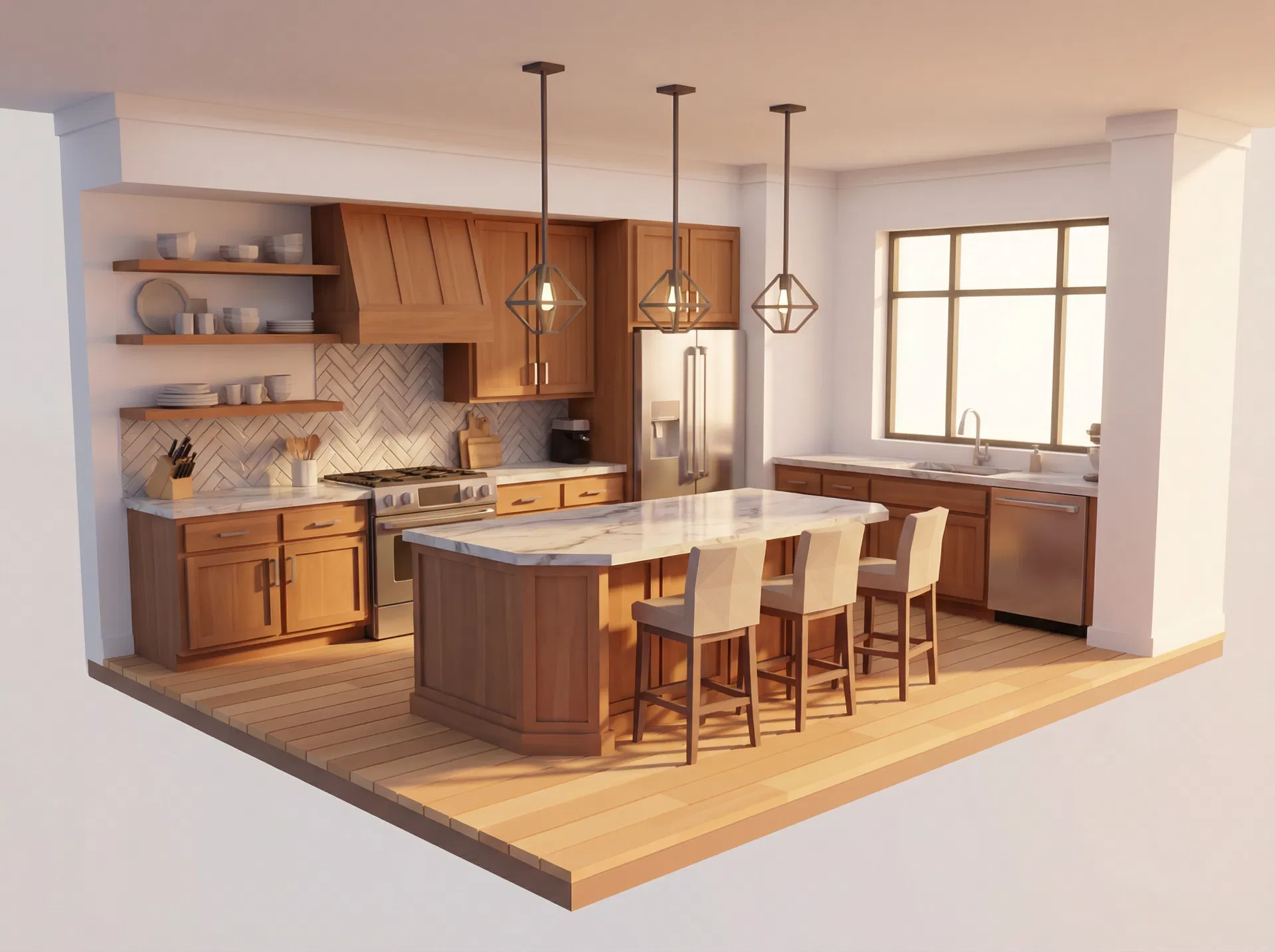
Switch to wireframe views to analyze the underlying structure and layout.
Frequently Asked Questions
Alcovia's models are generated from precise LiDAR scans, resulting in dimensionally accurate models with up to 1-inch precision. This allows for reliable measurements and spatial planning, ensuring that what you see in the model reflects the real-world conditions of the job site.
Yes. You can share a secure link with your clients, allowing them to view the 3D model in their web browser on any device. The intuitive controls make it easy for them to walk through the space, understand the layout, and provide feedback directly within the model.
The Growth plan unlocks powerful real-time editing capabilities. You can move, rotate, and swap appliances, furniture, and fixtures. It also allows for changing wall colors and flooring materials, providing a dynamic sandbox to explore design ideas with your clients instantly.
You can export high-resolution screenshots and generate shareable links directly from the viewer. For technical plans, our platform integrates with other features to export 2D floor plans and elevations derived from the model as PDFs for permits and contractor reference.
Integrates With Your Workflow
Ready to Bring Your Designs to Life?
Get the 3D Viewer on our Core plan for just $49/project, or unlock interactive editing with our Growth plan for $199/project.
View Pricing